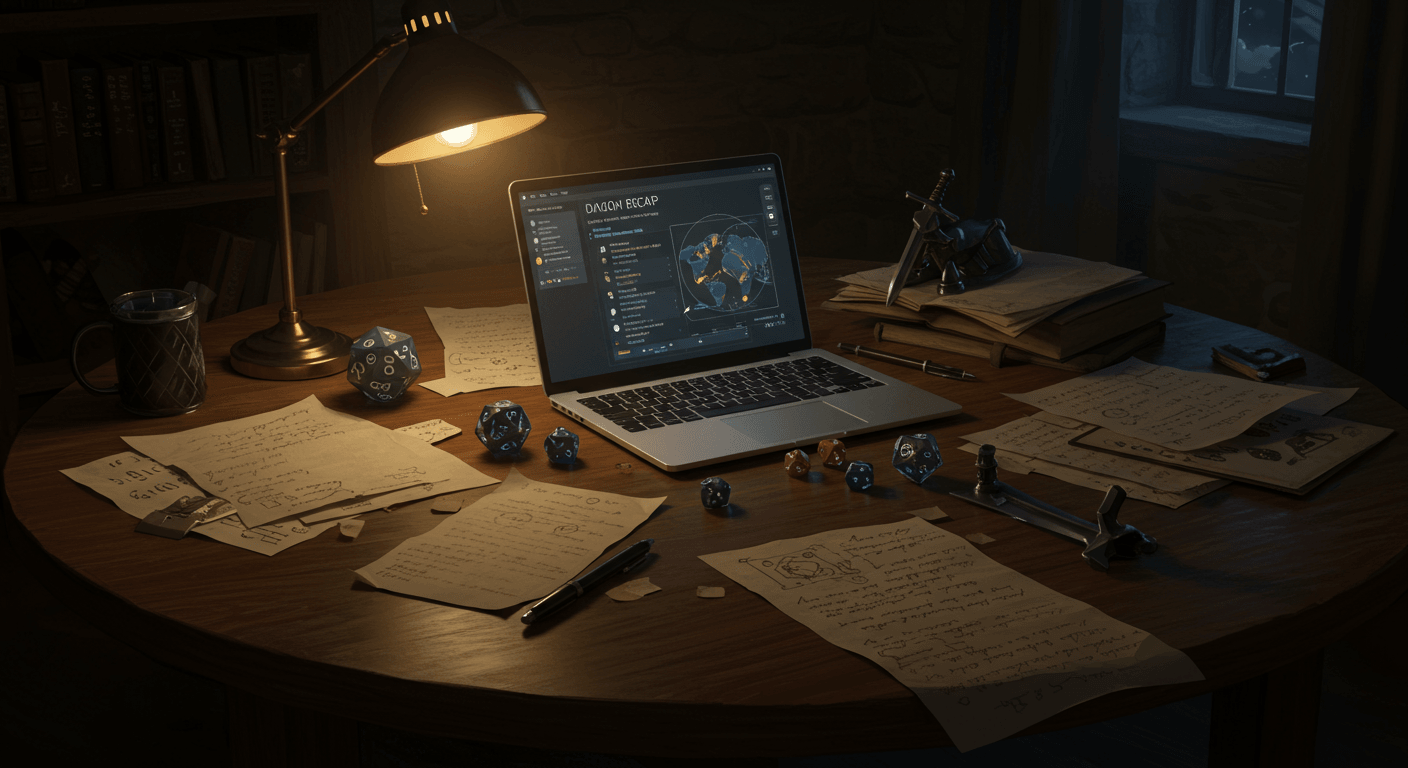


The Sunday Night Panic (We've All Been There)
It's 9 PM on Sunday. Your session is tomorrow.
You've got seventeen browser tabs open. Three different versions of your faction chart (none of them current). A Pinterest board you swear had that perfect tavern image. And a Google Doc titled "SESSION NOTES - FINAL - v7 - ACTUAL FINAL - USE THIS ONE."
Your players just asked about that innkeeper from Session 2.
You know his name started with a T. Or was it D?
Did you even write it down?
This was my life for three years. Running my weekly campaign meant being a human database for 40+ NPCs, tracking which player talked to which faction leader, and somehow remembering that Kael's player mentioned—once, offhandedly, during Session 4—that he wanted to confront his mentor.
By Session 15, I was drowning in my own world.
So I built StormScape.
What We're Building Today
By the end of this guide, you'll have:
✅ Your campaign hub with all your lore interconnected
✅ StormScape's Discord bot playing epic music in your voice channel
✅ Players invited and hyped to explore your world
✅ AI that's analyzed your campaign and found hidden plot connections
✅ A "holy shit" moment when you see what you've been missing
Before We Start (2 Minutes of Prep)
You'll need:
Discord account (you have one, I know you do)
Discord server where you run games
Campaign name (even "Dave's Game" works)
Coffee (optional but recommended)
StormScape account (free - we'll create it in 30 seconds)
Part 1: The Fastest Account Creation Ever (30 Seconds)
Head to stormscape.app and click that beautiful purple "Sign in with Discord" button.
That's it. You're in StormScape.
No password to forget. No email verification. Just Discord OAuth magic.
Part 2: Creating Your Campaign Hub (3 Minutes)
You'll land on StormScape's campaigns page with a gorgeous gradient that screams "build something epic here."
Click "New Campaign".
The Only Required Field That Matters
Campaign Title: Whatever you call your game. "The Shattered Crown," "Waterdeep Wednesdays," "That Game Where Everyone's a Bard."
Optional But Helpful
Synopsis: A quick pitch for your world. This shows up on your players' view, so make it cool:
"Five years after the Godsfall, magic is dying. You are the last hope of a world that's forgotten how to hope."
Discord Server: Pick your server from the dropdown. This connects everything for audio and recording later.
Hit Create Campaign.
Boom. You now have a StormScape campaign hub. Your unique URL is auto-generated (like stormscape.app/campaigns/the-shattered-crown), and you're the OWNER with god-like powers over your world.
Part 3: Summoning StormScape's Music Bot (5 Minutes)
This is where it gets fun.
Adding StormScape Bot to Discord
Navigate to your Dashboard in StormScape and click "Add Bot to Server".
Discord asks what permissions the StormScape bot needs:
Connect (to join voice channels)
Speak (to play epic music)
Use Voice Activity (for session recording)
Authorize it.
The StormScape bot slides into your server like a smooth-talking bard.
Testing the Magic
Join a voice channel in Discord
In StormScape's Dashboard, select your server from the dropdown
Click Join next to your voice channel
Paste a YouTube URL of epic music
Hit Play
You'll hear music immediately. StormScape's bot handles everything—no setup, no configuration, just instant ambiance.
Part 4: Building Your World in StormScape (The Fun Part - 10 Minutes)
Time to populate your world with NPCs, locations, and secrets.
Your First NPC
Click the Lore tab, then "Add Lore Entry".
Title: "Theron Blackwood" (or whoever your mysterious merchant is)
Type: NPC
Summary: "Mysterious merchant with connections everywhere and secrets to spare"
Visibility:
PRIVATE = Only you see it (perfect for BBEGs and plot twists)
INTERNAL = All campaign members see it
SHAREABLE = Future public sharing feature
Now for the fun part—StormScape's rich text editor.
Writing Like a Pro
Type naturally. Format with markdown if you want. But here's StormScape's killer feature:
Type @ to mention other lore entries.
Watch this:
Theron arrived after the @The-Crimson-Eclipse and immediately set up shop near @The-Shattered-Tower. He claims to be a simple merchant, but he's connected to @The-Shadow-Council.
Each @ creates a clickable link. When players read Theron's entry, they can jump straight to The Shadow Council. When they read about the Tower, they'll see Theron is connected to it.
StormScape builds your campaign wiki automatically.
GM Notes (Your Secret Weapon)
Click the GM Notes tab. This is your private DM space in StormScape. Players NEVER see this, even if the entry is public.
SECRETLY THE BBEG. Theron is actually Malachar the Undying in disguise. He's guiding the party to collect the artifacts HE needs for his ritual. When they figure this out, their minds will be BLOWN.
Quick-Build Your World
Create 5-10 more entries in StormScape:
The Shattered Tower (LOCATION) - Where it all began
The Shadow Council (FACTION) - Pulling the strings
Amulet of Shadows (ITEM) - McGuffin alert!
A few more NPCs - Give Theron some friends/enemies
Don't overthink it. You can always add more. StormScape's AI works better with some content than none.
Part 5: Inviting Your Party (3 Minutes)
Click the Members tab in StormScape.
You've got two ways to invite players:
Method 1: Discord Auto-Invite (Easiest)
Paste their Discord ID → Select role (PLAYER) → Send
StormScape's bot DMs them with a campaign invite. They click "Accept" and boom—they're in your StormScape campaign.
Method 2: Email Invite
Enter email → Select role → Send
They get a unique StormScape link, sign in with Discord, and join automatically.
Role Guide:
PLAYER: Can view shared lore, edit their character
COLLABORATOR: Co-DM with edit powers
VIEWER: Read-only for spectators
Part 6: Running Your First Session (5 Minutes)
Click Sessions → "Plan a Session" in StormScape
Title: "Session 1: The Tavern Meeting" (or whatever)
Agenda: Your loose plan. Don't overthink:
Party meets Theron. He offers a job. Bandits attack. Cliffhanger about the Shadow Council.
Recording: Toggle this ON. Trust me—StormScape's recording feature is game-changing.
Click Create Session.
When Game Time Arrives
Click "Start Session" in StormScape - Status goes LIVE
Take notes as you play (they can be messy)
Use @mentions to link NPCs as they appear
Click "Stop Session" when done
That's it. You've just created trackable, searchable, analyzable session data in StormScape.
Part 7: StormScape's AI Magic (This Will Blow Your Mind)
After your first session, click StormScape's Intelligence tab.
Relationship Analysis (30 Seconds of AI Magic)
Click "Analyze Relationships" → Select "ALL" → Start Analysis
StormScape's AI reads EVERYTHING:
Your NPC descriptions
Your session notes
Your lore entries
Character bios
Then it finds connections. Real ones. With evidence.
You'll see suggestions like:
Kael → ALLY → Theron Blackwood (92% confidence)
Evidence: "Kael defended Theron from accusations" (Session 1)
Accept the ones that make sense. Dismiss the rest. StormScape builds your world's relationship web automatically.
The Intelligence Report (Prepare to Be Amazed)
Click "Generate Intelligence Report" in StormScape.
60 seconds later, you get a complete campaign analysis:
Campaign Health Scores:
Momentum: Is your story moving forward?
Engagement: Are all players involved?
Pacing: Too fast? Too slow?
Story Arc Tracking:
"The Shadow Council arc has stalled. Last mentioned Session 1 (14 days ago). Suggestion: Have Theron drop hints about their next meeting."
Character Spotlight Balance:
"Kael has 45% of recent spotlight. Lyra only has 8%. Consider a Lyra-focused subplot next session."
Forgotten NPCs:
"Gerald the Guard appeared in Sessions 2, 3, and 5 but hasn't been mentioned in 6 sessions. Players asked about him twice."
Common "Oh Shit" Moments and Fixes
"Bot won't join voice"
Check the bot has permission in that channel
Make sure it's not already in another channel
Try clicking Leave then Join again in StormScape's dashboard
"Recording isn't working"
Players need to accept consent (StormScape bot DMs them)
Make sure bot is in the voice channel
Check recording is enabled for the session in StormScape
"AI found a connection I didn't intend"
That's the beautiful part—sometimes StormScape's AI sees brilliant connections you didn't consciously create. Had a DM discover their random NPCs formed a perfect conspiracy. It was already there; they just didn't see it.
"This seems too good to be true"
I know. I built StormScape because I needed it. First time I ran the intelligence report on my own campaign, it found three plot threads I'd completely forgotten and showed me one player hadn't had spotlight time in a month.
Why StormScape Changes Everything
Other tools make you choose:
Roll20 has maps but no campaign management
D&D Beyond has characters but no DM tools
World Anvil has wikis but no session tools
Nobody has AI intelligence
StormScape has it all. One platform. One login. Everything connected.
Your Next Adventure Awaits
You did it. In less than an hour with StormScape, you've:
✅ Created your campaign hub
✅ Connected Discord for epic audio
✅ Built an interconnected world
✅ Invited your players
✅ Run (or planned) your first session
✅ Discovered AI-powered insights about your campaign
But here's the real magic: Every session you run makes StormScape's AI smarter. Every NPC you add creates more connections. Every note you take feeds the intelligence engine.
Your campaign isn't just organized now—it's learning.
Your turn: What's the first NPC you'll create in StormScape? Share in the comments—I love seeing the creative characters DMs build!

Storm Burpee
Founder of StormScape
Storm is the founder and chief architect of StormScape, where a decade of dungeon mastering collides with cutting-edge AI technology. As an active DM running multiple weekly campaigns—including an intricate homebrew world in "The Shattered Crown" and a heavily modified Curse of Strahd—Storm intimately understands the overwhelming prep work that burns out even passionate DMs. This frustration led to building StormScape: the AI-powered campaign management platform that actually understands how D&D works. With a background in conversational AI and automation systems (having built enterprise-grade voice agents and lead generation platforms), Storm brings a unique perspective to the TTRPG tool space. They believe technology should enhance storytelling, not replace it—tools should be invisible during play but invaluable during prep. When not merging code commits or crafting plot twists, Storm can be found obsessing over Magic: The Gathering sealed pools, managing multiple fantasy football teams, or exploring new ways to torment—err, delight—their players.
Found this helpful? Share it with your party!